
A Renter’s Guide to Documenting Maintenance Requests
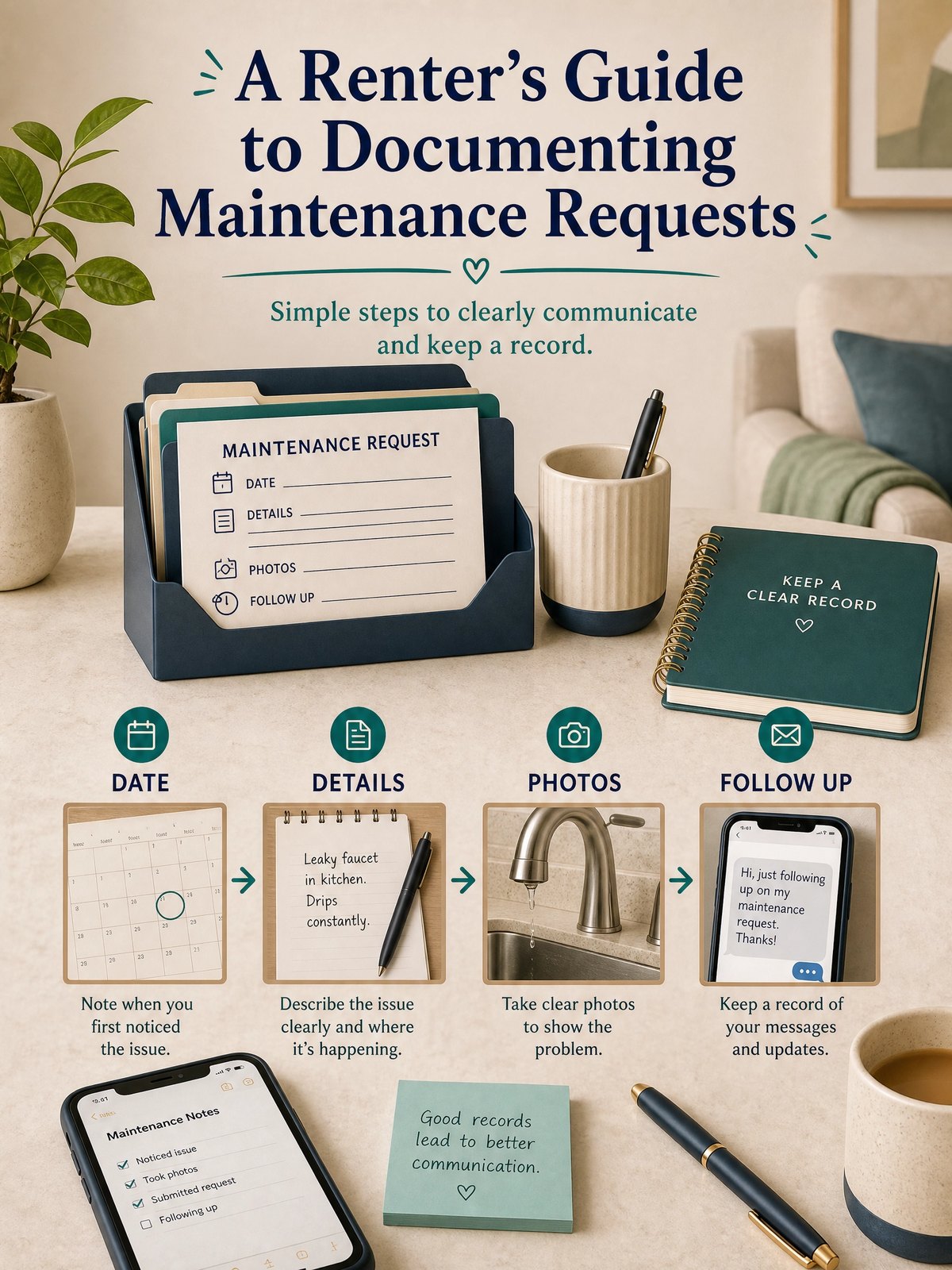
When something in a rental breaks, the immediate impulse is to fix it or text a photo — but scattered notes, messages, and loose photos make it hard to show what happened and when. A simple, consistent log you actually use saves time and reduces uncertainty when following up with your landlord or property manager.
This article shows a practical, no-frills system for documenting maintenance requests: what to capture first, how to timestamp and store evidence, and how to decide when to follow up. It does not offer legal advice; follow your lease and any manufacturer or product instructions as needed.
Start with the real constraint
Most tenants have only a few minutes between work, errands, or babysitting to handle maintenance reporting. Any method that asks for long forms, complicated uploads, or extra devices is unlikely to survive beyond the first week.
Your real constraint is time and attention, not technology. The system needs to be quick to use on a phone and produce clear, factual entries you can refer to later. Treat this as a habit you build: one short routine each time you spot an issue.
At-a-glance plan
| Action | When to do it | What to attach | Decision signal |
|---|---|---|---|
| Initial report | Within 24 hours of noticing the problem | One wide photo and one close-up, short description, timestamp | Visible damage, leak, or loss of service |
| Confirm receipt | Same day you send the request | Screenshot of outbound message and any reply | No reply within 48 hours or request for access |
| Track visits | Immediately after a technician or manager visits | Photo of visitor badge, short notes of what was checked or replaced | Work completed or appointment rescheduled |
| After-repair check | Within 24 hours after repair or patch | Photos showing repair, brief note on whether issue persists | Problem resolved or needs further action |
Build the system step by step
- Pick a single place to record each issue: a notes app, a dated folder in your cloud storage, or a spreadsheet. Use that same place every time.
- When you first notice an issue, take two photos: one showing the context and one close-up of the problem. Make sure the phone clock is correct so timestamps are meaningful.
- Write one-line facts: date and time noticed, what happened, immediate risks (water, electrical, health), and the action you want from the landlord or manager.
- Send your report through the requested channel (maintenance portal, email, text) and save a screenshot of the sent message and any reply you get.
- After a visit or repair, add a short follow-up entry with photos and a one-line assessment of whether the issue is fixed or recurring.
These five steps are designed to take two to five minutes each time. The goal is a reliable, repeatable habit: one place to search, clear visual evidence, and concise notes that preserve dates and communications without extra paperwork. If you expect frequent issues, consider adding a simple index or folder per month to avoid long lists.
Trade-offs to consider
No single approach fits every renter. Choose a method that balances speed, privacy, and durability for your situation.
- Speed vs. detail: Rapid one-line entries are easier to keep up with, but occasional detailed notes help when problems recur.
- Local storage vs. cloud: Storing records on your phone is fast; cloud backup is safer if your device is lost, but may raise privacy questions depending on the service you use.
- Informal messages vs. formal portals: Sending a quick text can be faster; using the landlord’s official portal creates a clear paper trail as a practical option to verify locally.
Keep it workable
Set a recurring monthly reminder to tidy your log: delete duplicates, move closed items to an archive folder, and add a one-line outcome for each resolved request. If you keep everything in a single notes app, pin open items or use tags so current issues remain visible. The maintenance of the system should take no more than 15–30 minutes a month for an average rental.
FAQ
What if my landlord asks me to use their maintenance portal?
Use the portal if your lease or property manager requests it; it creates a centralized record. Save screenshots of your submission and any automatic confirmations in your personal log as a backup and to keep dates and messages together.
How many photos should I keep per issue?
Two to five photos are usually enough: one wider view that shows location, a close-up of the problem, and one or two images after repair. Excess photos add clutter; pick images that show scale, damage, and any identifying features.
Should I text, email, or call for emergencies?
For immediate hazards (major leaks, electrical sparks, safety threats), follow any emergency instructions in your lease and call the property emergency contact if provided. After the immediate risk is stabilized, document the event with photos and a written report in your log as a personal planning approach.
Next, choose the recording place you’ll actually use and practice entering one recent small issue so the steps become familiar. Keep the system simple enough you’ll use it every time.
Sources and fact-checking
This guide provides practical editorial guidance. Requirements and safe choices can depend on the product, lease, local rules, and individual situation.
- Ready.gov — Financial Preparedness — Ready.gov advises organizing critical household, insurance, financial, and medical records before an emergency and safeguarding them in a secure accessible location.
Fact-checked against the linked official resources on August 27, 2026.