What to Keep in a Renter Emergency Documents Folder
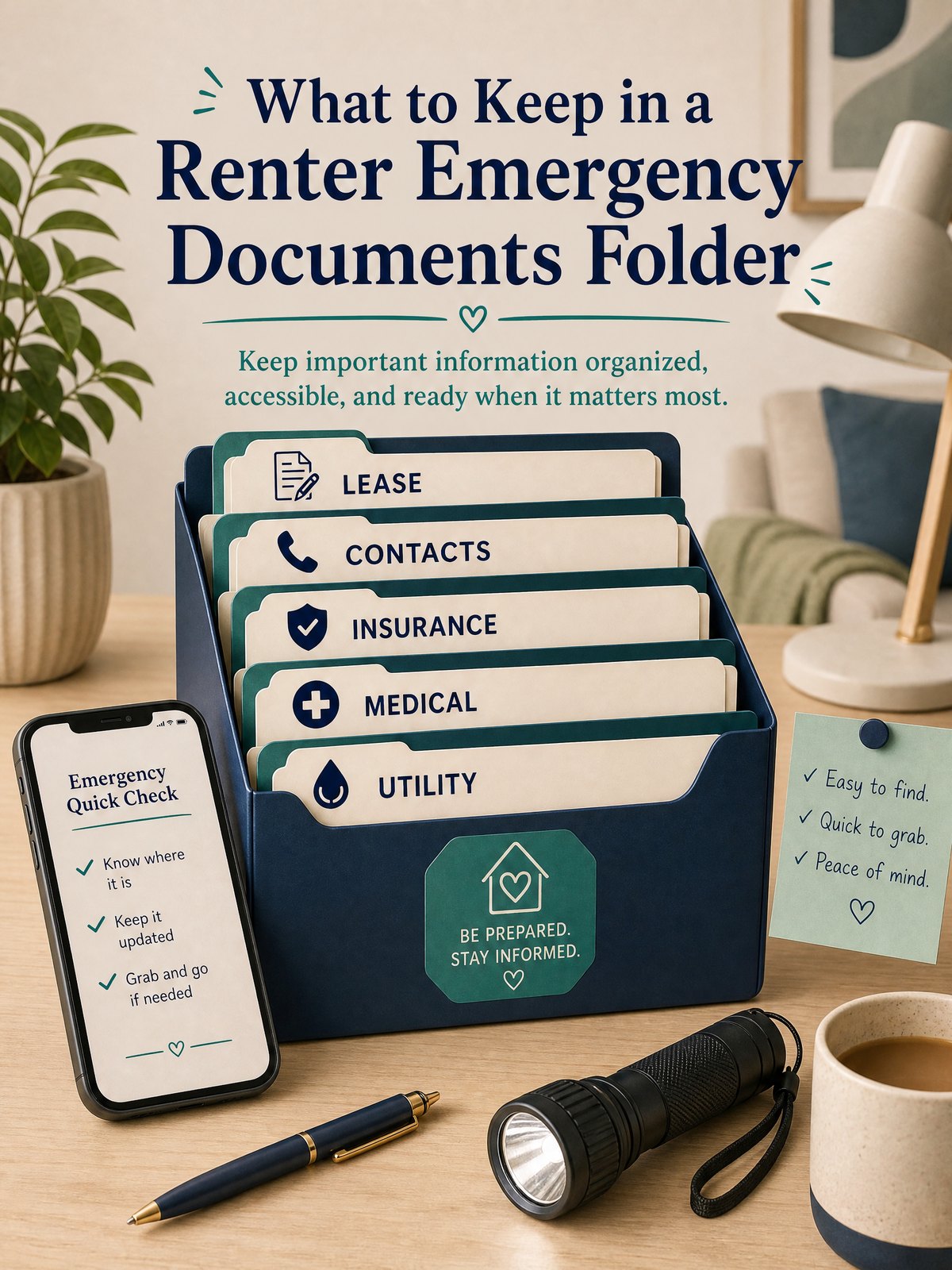
When a power outage, water leak, or unexpected move happens, the last thing you want is to hunt for the right paper, number, or policy. Renters who keep a focused emergency documents folder save time and reduce stress when decisions need to be made quickly.
This article shows which records to gather, how to store them so they are both secure and accessible, and a simple routine to keep the folder current without turning it into a project that never finishes.
Start with the real constraint
Most renters have limited space and time. A full-box archive isn’t practical in a small apartment or when you might need access while away. The real constraint is balancing security with speed of access: documents must be protected from loss or theft but still reachable by you — and by a trusted contact if you can’t get to them.
Ready.gov advises organizing critical household, insurance, financial, and medical records before an emergency and safeguarding them in a secure accessible location. Use that advice as the anchor: prioritize the records listed there, then add a few renter-specific items that make daily recovery and communication smoother. Any actions that affect locks, building safety, or your legal obligations should follow your lease or local authorities’ instructions.
At-a-glance plan
| Item | Why include it | Where to store | When to review |
|---|---|---|---|
| Lease and any addenda | Clarifies move-out obligations, pet rules, and notice periods for emergencies | Physical copy in folder plus scanned PDF on encrypted cloud or USB kept separately (practical option) | Every renewal or when you sign a change; at least annually |
| Renter’s insurance policy & cards | Shows coverage and contact numbers for claims | Folder front pocket and digital photo in a secure file (practical option) | After any policy change and each policy renewal |
| Emergency contacts & quick info sheet | Speeds calls to landlord, appliance repair, emergency contact, and utility customer service | Paper sheet in folder and a printed copy near phone; encrypted digital copy optional | Whenever contact info changes; check twice yearly |
| Medical/ID copies and key receipts | Useful for temporary ID needs, medical conditions, or proof of ownership in claims | Folded copies in folder; originals kept as advised by the issuing authority (question to verify locally) | When IDs expire or medical information changes |
Build the system step by step
- Choose a compact physical container: a small binder, accordion folder, or fire-resistant envelope that fits your space.
- Collect the core documents named above first: lease, insurance, emergency contacts, ID copies, and any medication notes.
- Scan or photograph each document and save a digital copy to an encrypted cloud folder or a password-protected drive (this is a practical option for off-site access).
- Create a one-page “quick sheet” summarizing the most used entries—landlord phone, insurer claims number, utility outage phone—so you aren’t flipping through papers in a rush.
- Designate a backup trusted person and share access instructions for the folder and digital copies; keep their name and the access method on the quick sheet.
These steps keep the system small and functional. Start with the physical folder so you have one place to direct future documents, then add the digital layer as time allows. If any step would conflict with your lease, data rules, or product instructions, follow the official guidance instead and treat alternate steps as a personal planning approach.
Trade-offs to consider
Every choice involves trade-offs between convenience, cost, and security. Be explicit about which you prioritize so the folder supports your life rather than adding complexity.
- Physical vs. digital: physical documents are quick to hand but vulnerable to fire or theft; digital copies are portable but require secure passwords (practical option).
- Granularity of records: keeping every receipt helps claims but increases time to maintain; focus on high-value or hard-to-replace records first as a personal planning approach.
- Who has access: giving a roommate or family member access speeds response but increases risk of accidental disclosure; choose a trusted backup and document the decision.
Keep it workable
Set a simple maintenance routine: spend ten minutes after a lease change, insurance renewal, or major purchase to update the folder. Schedule a twice-yearly reminder on your calendar to check names, expiration dates, and scanned files. If you find the system becoming too detailed, prune older low-value documents and keep only those that would materially change an emergency outcome.
FAQ
Where should I keep the physical folder in a small rental?
Keep the folder where you can reach it quickly—near your main entryway, in a top kitchen drawer, or a labeled shelf. If you live in a building where others may enter, consider a locked drawer or a fire-resistant envelope; this is a practical option and you should verify any lock-change rules with your lease or landlord.
Should I include originals or copies?
Ready.gov encourages organizing critical records; for many renters, copies are sufficient and safer to keep accessible. Originals you may need to keep with you or in a separate secured place depending on the document’s value—treat that as a question to verify locally or with the issuing body.
How do I let someone else access the folder if I’m not available?
Write clear instructions on the quick sheet: who to contact, where the folder is, and how to access digital backups (if you use them). Sharing a password or physical key should be limited to a trusted person; label this sharing method as a personal planning approach to avoid unnecessary risk.
Next steps: assemble the physical folder today with the four priority items in the table, then scan and secure digital copies at your convenience. Add a twice-yearly calendar reminder to review and prune the folder so it stays useful.
Sources and fact-checking
This guide provides practical editorial guidance. Requirements and safe choices can depend on the product, lease, local rules, and individual situation.
- Ready.gov — Financial Preparedness — Ready.gov advises organizing critical household, insurance, financial, and medical records before an emergency and safeguarding them in a secure accessible location.
Fact-checked against the linked official resources on August 27, 2026.