How to Build a Small-Apartment Emergency Documents Folder
When an emergency happens, the first thing most people want is access to their essential documents — ID, insurance, and payment methods — without spending ten minutes rummaging through a closet. In a small apartment that task becomes harder: storage space is limited and you may need to move quickly.
This article shows a compact, renter-friendly approach to building an emergency documents folder you can carry or grab fast. You’ll get a short plan, a simple step-by-step build, choices to weigh, and upkeep tips so the system stays useful over time.
Start with the real constraint
Small apartments mean limited flat space, few drawers, and often shared storage areas. The practical constraint is not only physical space but also the time you need to reach the records during a sudden evacuation or when communicating with insurers or banks.
Accepting that constraint up front helps shape a narrow, portable system rather than a bulky file cabinet. Think of the folder as something you can slide into a backpack, a tote, or a small lockbox; this is a personal planning approach that prioritizes accessibility and minimal bulk.
At-a-glance plan
| Task | What to include (practical option) | Decision signal | Target timing |
|---|---|---|---|
| Collect | Photocopies or scans of IDs, insurance cards, key account numbers, and one-page lease summary | Have these within reach if you must leave home quickly | 30–60 minutes initial assembling |
| Protect | Compact waterproof sleeve, labeled envelopes, and a practical option for a small fire-resistant pouch | When you need weather- or spill-proofing for quick transport | 10–20 minutes to package |
| Digitize | Encrypted cloud backup or a password-protected local copy as a personal planning approach | If you want offsite access or redundancy | 20–40 minutes to scan and upload |
| Share & rehearse | One trusted contact who knows the folder location and an emergency grab route in your apartment | After household changes or every six months | 10 minutes to confirm contact and route |
Build the system step by step
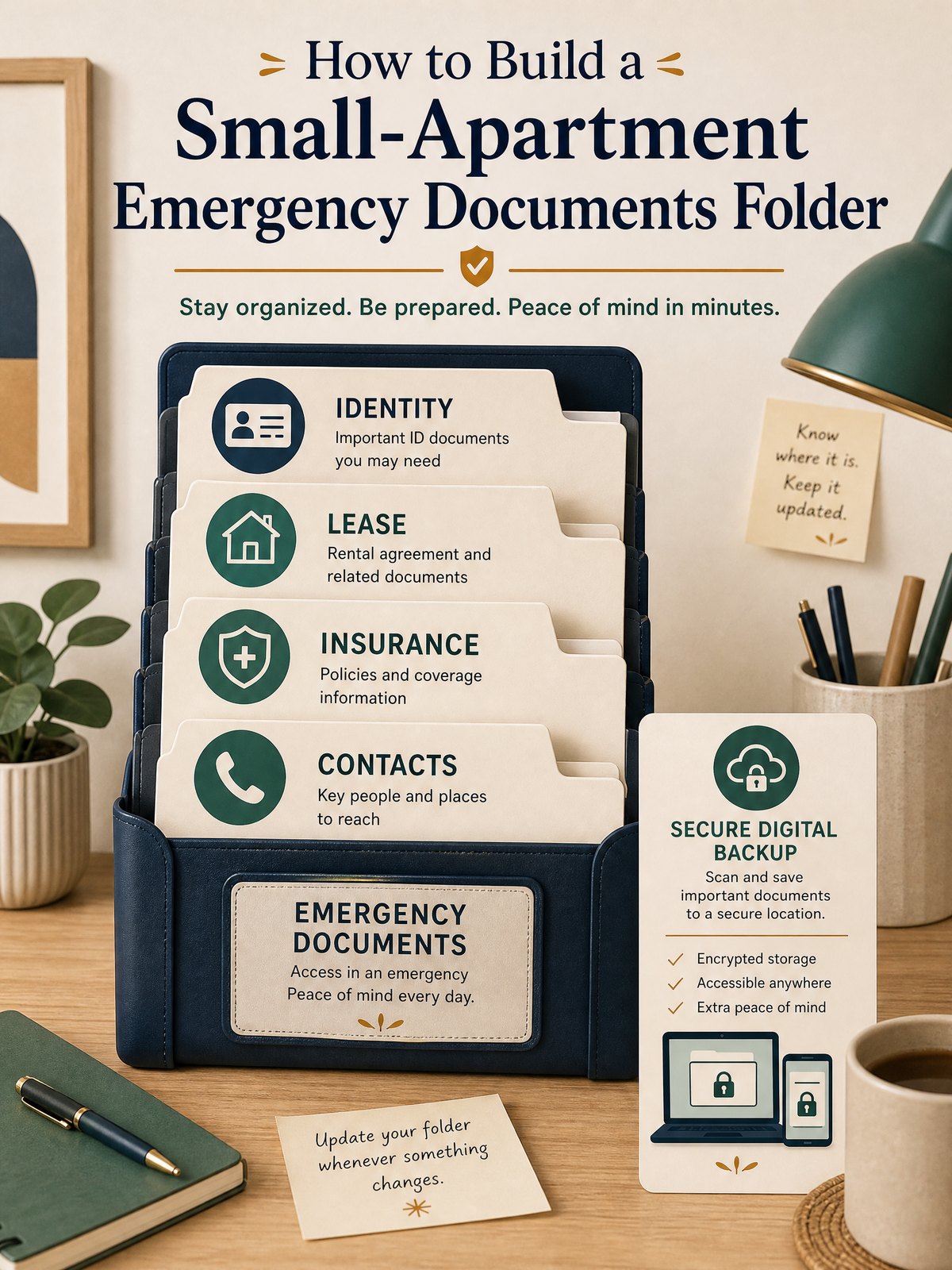
- Designate the container: Choose a compact, clearly labeled folder or pouch that fits your available storage and is quick to grab.
- Decide core contents: Use a short checklist and include only what you’ll need immediately; mark extra items as “backup.” Practical option: keep originals for some things and copies for others.
- Package for protection: Insert documents into sleeves or envelopes and group them inside the container; add a waterproof outer sleeve if you live where water damage is a risk.
- Create a low-tech index: A one-page table of contents inside the folder and a mirror copy in your phone or cloud makes retrieval faster.
- Plan access and redundancy: Make one encrypted digital copy or cloud backup as a personal planning approach and tell one trusted contact the location or access method.
These five steps keep the project focused so it fits a small apartment habit. The “practical option” and “personal planning approach” labels indicate choices you can adapt to your comfort with digital tools and space constraints. Follow your lease for any document retention or sharing requirements that affect what you put in the folder.
Trade-offs to consider
Every compact system has trade-offs between security, accessibility, and space. Decide which of those three is most important for your household and adjust the folder contents accordingly.
- Security vs. accessibility: Keeping originals locked away is more secure; carrying copies is faster to use in an evacuation (practical option).
- Physical space vs. redundancy: A single compact folder saves room but is a single point of failure; adding a digital backup increases safety but requires password management (personal planning approach).
- Immediate need vs. completeness: A pared-down folder is easier to grab; a more complete file takes time to assemble and manage.
Keep it workable
Set a repeating calendar reminder every six months to glance through the folder: swap expired cards, update one-page summaries, and confirm the trusted contact still has access. If you use a cloud backup, test sign-in once a year and verify document readability. This maintenance keeps the folder usable without turning it into a second chore list.
FAQ
What specific documents should I put in the folder?
As a practical option, include copies of government IDs, your lease summary, insurance policy numbers, a list of bank/credit account last digits, emergency contact names, and any necessary medical information on a single printed page; keep originals or extra documents as backup if you prefer.
Should I keep originals or only copies?
Both are reasonable choices depending on your priorities: retain originals in a locked place if security is paramount, or keep certified copies for portability; this is a personal planning approach and you should verify local rules if originals are legally required for a specific process.
Is a digital copy enough?
A digital copy can be very useful, especially for offsite access, but consider an encrypted cloud or password-protected local file and a printed quick-reference inside the folder as a practical option; verify that any digital method you use meets employer or insurer requirements when needed.
Ready.gov advises organizing critical household, insurance, financial, and medical records before an emergency and safeguarding them in a secure accessible location.
Start by assembling a one-page checklist and the container this weekend; then scan or photograph the highest-priority papers and store one encrypted backup. Follow your lease and any official instructions for documents that have legal requirements.
Sources and fact-checking
This guide provides practical editorial guidance. Requirements and safe choices can depend on the product, lease, local rules, and individual situation.
- Ready.gov — Financial Preparedness — Ready.gov advises organizing critical household, insurance, financial, and medical records before an emergency and safeguarding them in a secure accessible location.
Fact-checked against the linked official resources on August 27, 2026.